 1c23f21388
### What is this PR for?
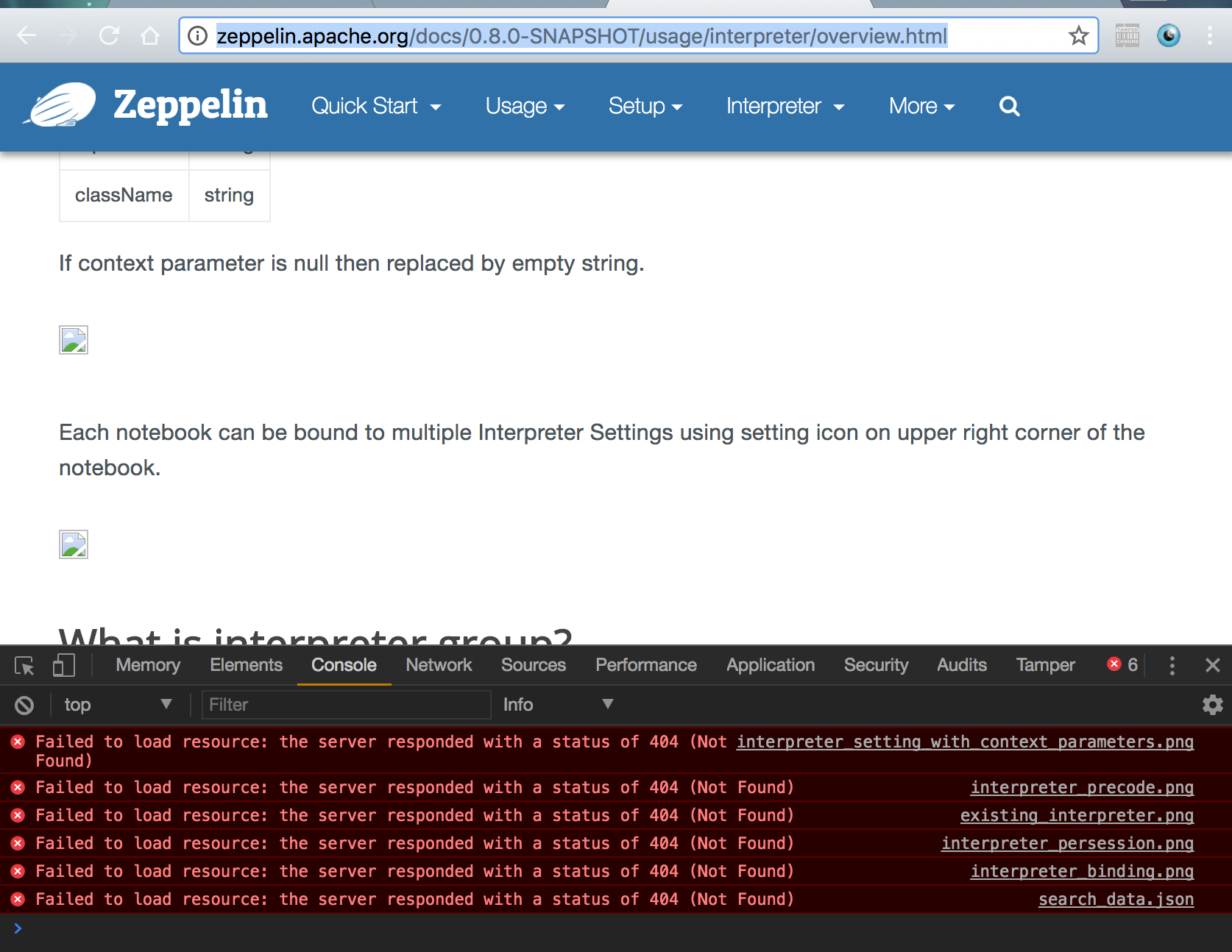
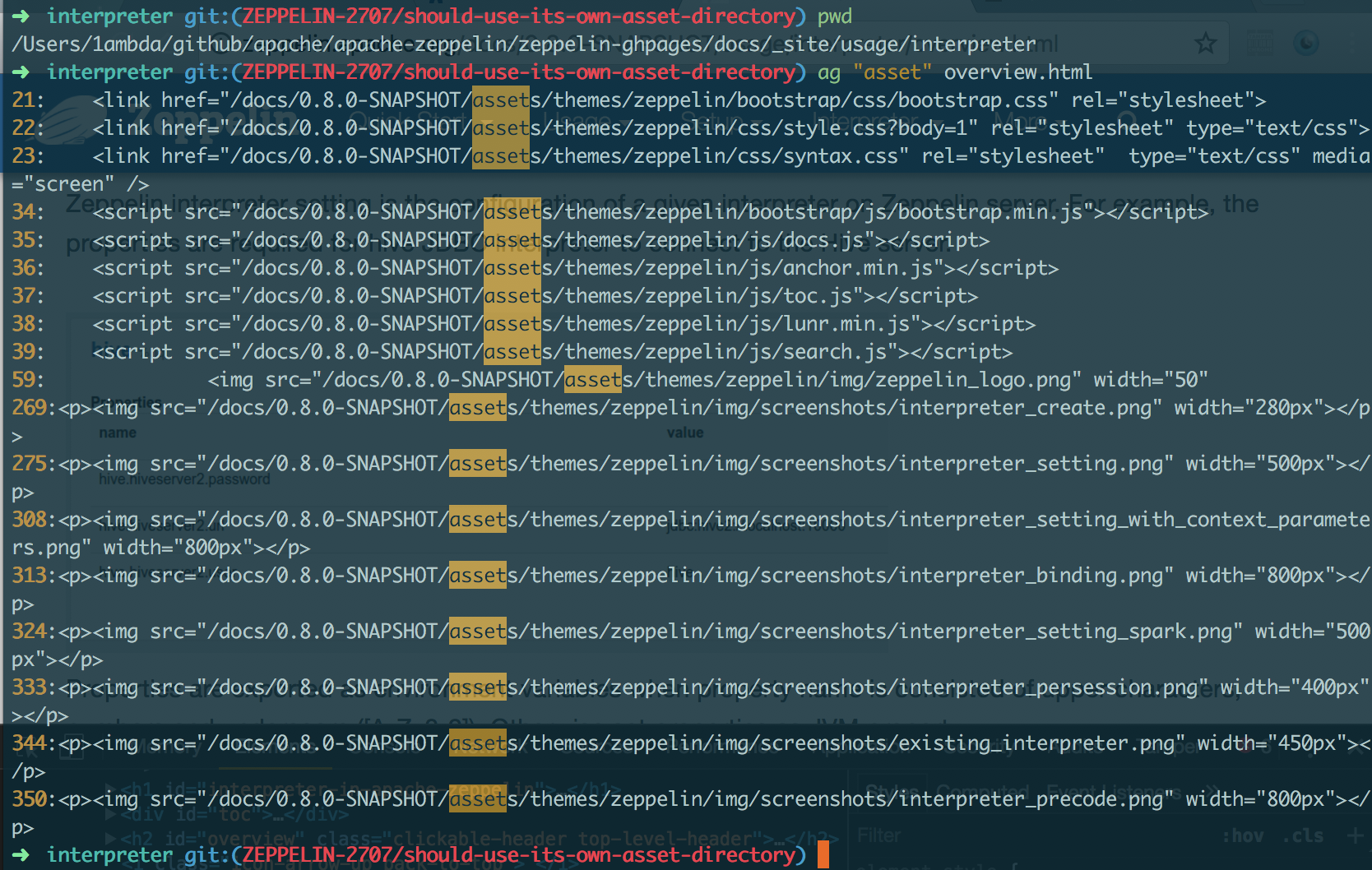
fix: broken image URLs in 0.8.0-SNAPSHOT doc
using the path `/asset` (the absolute path) for image URLs is actually invalid. That's because each version has its own image directory. So they should use the relative path. `{{BASE_PATH}}`
```
➜ asf-zeppelin tree site | grep asset
├── assets # root asset, we shouldn't use it in versioned doc.
│ │ ├── assets
│ │ ├── assets
│ │ ├── assets
│ │ ├── assets
│ │ ├── assets
│ │ ├── assets
│ │ ├── assets
│ │ ├── assets
│ │ ├── assets
│ ├── assets
```
### What type of PR is it?
[Bug Fix]
### Todos
DONE
### What is the Jira issue?
[ZEPPELIN-2707](https://issues.apache.org/jira/browse/ZEPPELIN-2707)
### How should this be tested?
1. cd `docs/`
2. build: `bundle exec jekyll build --safe`
3. check whether links in `_site` include `/docs/0.8.0-SNAPSHOT` as prefix or not
### Screenshots (if appropriate)
#### Current
http://zeppelin.apache.org/docs/0.8.0-SNAPSHOT/usage/interpreter/overview.html
#### After
### Questions:
* Does the licenses files need update? - NO
* Is there breaking changes for older versions? - NO
* Does this needs documentation? - NO
Author: 1ambda <1amb4a@gmail.com>
Closes #2450 from 1ambda/ZEPPELIN-2707/should-use-its-own-asset-directory and squashes the following commits:
fb70214a [1ambda] fix: Use its own asset dir


6.1 KiB
| layout | title | description | group |
|---|---|---|---|
| page | Dynamic Form in Apache Zeppelin | Apache Zeppelin dynamically creates input forms. Depending on language backend, there're two different ways to create dynamic form. | usage/dynamic_form |
{% include JB/setup %}
What is Dynamic Form?
Apache Zeppelin dynamically creates input forms. Depending on language backend, there're two different ways to create dynamic form. Custom language backend can select which type of form creation it wants to use.
Using form Templates
This mode creates form using simple template language. It's simple and easy to use. For example Markdown, Shell, Spark SQL language backend uses it.
Text input form
To create text input form, use ${formName} templates.
for example

Also you can provide default value, using ${formName=defaultValue}.

Select form
To create select form, use ${formName=defaultValue,option1|option2...}
for example

Also you can separate option's display name and value, using ${formName=defaultValue,option1(DisplayName)|option2(DisplayName)...}

The paragraph will be automatically run after you change your selection by default. But in case you have multiple types dynamic form in one paragraph, you might want to run the paragraph after changing all the selections. You can control this by unchecking the below Run on selection change option in the setting menu.
Even if you uncheck this option, still you can run it by pressing Enter.

Checkbox form
For multi-selection, you can create a checkbox form using ${checkbox:formName=defaultValue1|defaultValue2...,option1|option2...}. The variable will be substituted by a comma-separated string based on the selected items. For example:

You can specify the delimiter using ${checkbox(delimiter):formName=...}:

Like select form, the paragraph will be automatically run after you change your selection by default. But in case you have multiple types dynamic form in one paragraph, you might want to run the paragraph after changing all the selections. You can control this by unchecking the below Run on selection change option in the setting menu.
Even if you uncheck this option, still you can run it by pressing Enter.
Creates Programmatically
Some language backends can programmatically create forms. For example ZeppelinContext provides a form creation API
Here are some examples:
Text input form
{% highlight scala %} %spark println("Hello "+z.input("name")) {% endhighlight %}
</div>
<div data-lang="python" markdown="1">
{% highlight python %} %pyspark print("Hello "+z.input("name")) {% endhighlight %}
</div>

Text input form with default value
{% highlight scala %} %spark println("Hello "+z.input("name", "sun")) {% endhighlight %}
</div>
<div data-lang="python" markdown="1">
{% highlight python %} %pyspark print("Hello "+z.input("name", "sun")) {% endhighlight %}
</div>

Select form
{% highlight scala %} %spark println("Hello "+z.select("day", Seq(("1","mon"), ("2","tue"), ("3","wed"), ("4","thurs"), ("5","fri"), ("6","sat"), ("7","sun")))) {% endhighlight %}
</div>
<div data-lang="python" markdown="1">
{% highlight python %} %pyspark print("Hello "+z.select("day", [("1","mon"), ("2","tue"), ("3","wed"), ("4","thurs"), ("5","fri"), ("6","sat"), ("7","sun")])) {% endhighlight %}
</div>

Checkbox form
{% highlight scala %} %spark val options = Seq(("apple","Apple"), ("banana","Banana"), ("orange","Orange")) println("Hello "+z.checkbox("fruit", options).mkString(" and ")) {% endhighlight %}
</div>
<div data-lang="python" markdown="1">
{% highlight python %} %pyspark options = [("apple","Apple"), ("banana","Banana"), ("orange","Orange")] print("Hello "+ " and ".join(z.checkbox("fruit", options, ["apple"]))) {% endhighlight %}
</div>
