 376597551e
* docs: update contributing guide

### What does this PR do?

Updates the contributing guide with new styling as well as reorganizing
some sections.

I have also added some tips such as running `yarn test` as well as the
linter and formatter.

### Screenshot/screencast of this PR

<!-- Please include a screenshot or a screencast explaining what is doing this PR -->

N/A

### What issues does this PR fix or reference?

<!-- Please include any related issue from Podman Desktop repository (or from another issue tracker).
-->

N/A

### How to test this PR?

<!-- Please explain steps to reproduce -->

See docs :)

Signed-off-by: Charlie Drage <charlie@charliedrage.com>

* docs: update based on review

Signed-off-by: Charlie Drage <charlie@charliedrage.com>

Signed-off-by: Charlie Drage <charlie@charliedrage.com>
5.7 KiB
Contributing to Podman Desktop
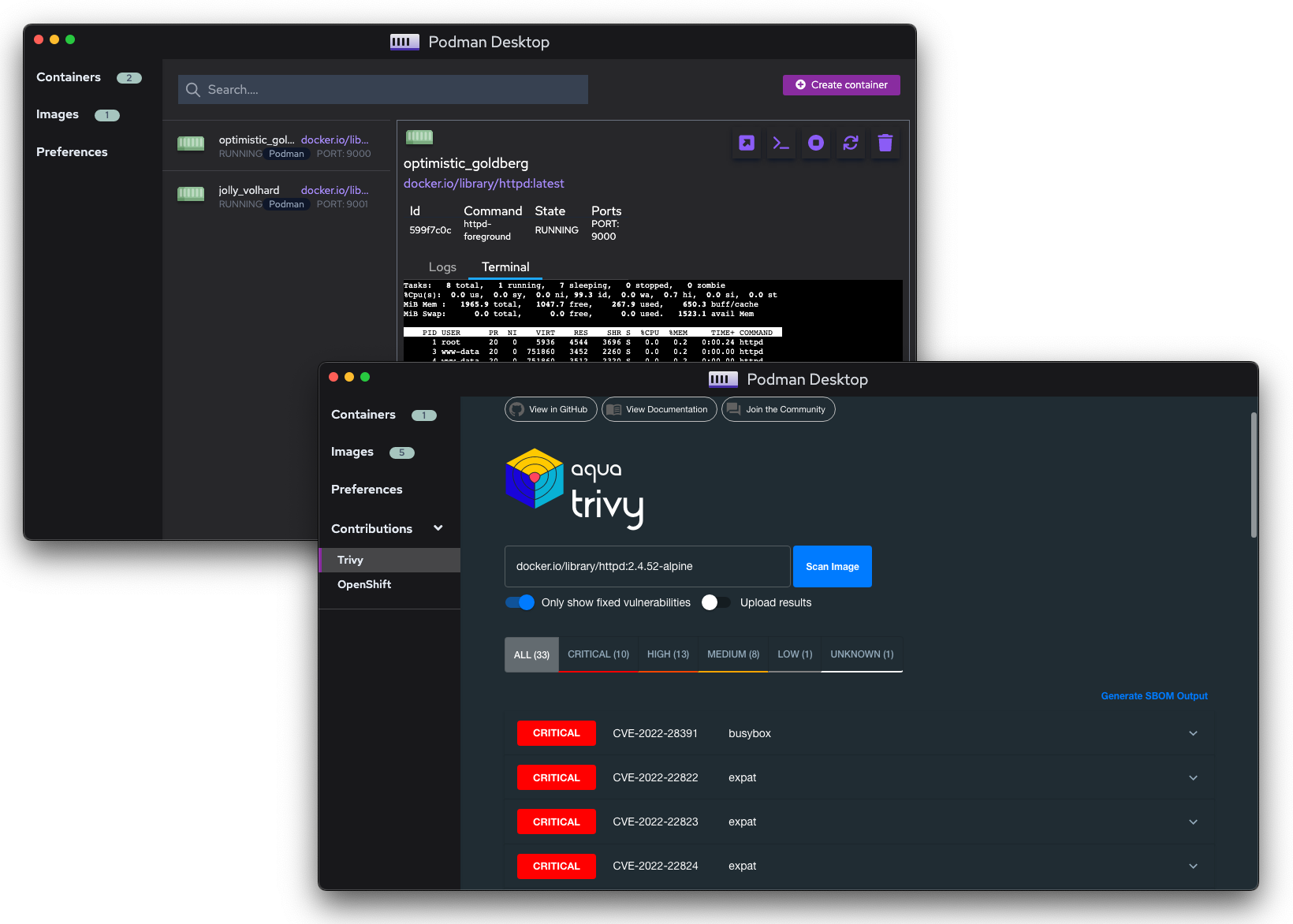
We'd love to have you join the community! Below summarizes the processes that we follow.
Topics
- Reporting Issues
- Working On Issues
- Contributing
- Continuous Integration
- Submitting Pull Requests
- Communication
Reporting Issues
Before opening an issue, check the backlog of open issues to see if someone else has already reported it.
If so, feel free to add your scenario, or additional information, to the discussion. Or simply "subscribe" to it to be notified when it is updated.
If you find a new issue with the project we'd love to hear about it! The most important aspect of a bug report is that it includes enough information for us to reproduce it. So, please include as much detail as possible and try to remove the extra stuff that doesn't really relate to the issue itself. The easier it is for us to reproduce it, the faster it'll be fixed!
Please don't include any private/sensitive information in your issue!
Working On Issues
Often issues will be assigned to someone, to be worked on at a later time.
If you are a member of the Containers organization,
self-assign the issue with the status/in-progress label.
If you can not set the label: add a quick comment in the issue asking that
the status/in-progress label to be set and a maintainer will label it.
Contributing
This section describes how to start a contribution to Podman Desktop.
Prerequisites: Prepare your environment
Requirements:
You can develop on either: Windows, macOS or Linux.
Step 1. Fork and clone Podman Desktop
Clone and fork the project.
Fork the repo using GitHub site and then clone the directory:
git clone https://github.com/<you>/podman-desktop && cd podman-desktop
Step 2. Install dependencies
Fetch all dependencies using the command yarn:
yarn install
Step 3. Start in watch mode
Run the application in watch mode:
yarn watch
The dev environment will track all files changes and reload the application respectively.
Step 4. Write and run tests
Write tests! Please try to write some unit tests when submitting your PR.
Run the tests using yarn:
yarn test
Step 5. Code formatter / linter
We use prettier as a formatter and eslint for linting.
Check that your code is properly formatted with the linter and formatter:
Checking:
yarn lint:check && yarn format:check
Fix:
yarn lint:fix && yarn format:fix
Step 6. Compile production binaries (optional)
You may want to test the binary against your local system before pushing a PR, you can do so by running the following command:
yarn compile:current
This will create a binary according to your local system and output it to the dist/ folder.
Submitting Pull Requests
Process
Whether it is a large patch or a one-line bug fix, make sure you explain in detail what's changing!
Make sure you include the issue in your PR! For example, say: Closes #XXX.
PRs will be approved by an [approver][owners] listed in CODEOWNERS.
Some tips for the PR process:
- No PR too small! Feel free to open a PR against tests, bugs, new features, docs, etc.
- Make sure you include as much information as possible in your PR so maintainers can understand.
- Try to break up larger PRs into smaller ones for easier reviewing
- Any additional code changes should be in a new commit so we can see what has changed between reviews.
- Squash your commits into logical pieces of work
Use the correct commit message semantics
We follow the Conventional Commits specification.
Some examples for correct titles would be:
fix: prevent racing of requestschore: drop support for Node 6docs: add quickstart guide
For Podman Desktop we use the following types:
build:Changes that affect the build systemci:Changes to the CI (ex. GitHub actions)docs:Documentation only changes (ex. website)feat:A new featurefix:A bug fixperf:A code change that improves performancerefactor:A code change that neither fixes a bug nor adds a featurestyle:Changes that affect the formatting, but not the ability of the codetest:Adding missing tests / new tests
Title formatting:
<type>[optional scope]: <description>

[optional body]

[optional footer(s)]
Sign your PRs
The sign-off is a line at the end of the explanation for the patch. Your signature certifies that you wrote the patch or otherwise have the right to pass it on as an open-source patch.
Then you just add a line to every git commit message:
Signed-off-by: Joe Smith <joe.smith@email.com>
Legal name must be used (no pseudonyms or anonymous contributions)
If you set your user.name and user.email git configs, you can sign your
commit automatically with git commit -s.
Continuous Integration
All pull requests and branch-merges automatically run:
- Format and lint checking
- Cross-platform builds (Windows, macOS, Linux)
You can follow these jobs in Github Actions https://github.com/containers/podman-desktop/actions
Communication
For bugs/feature requests please file issues
Discussions are possible using Github Discussions https://github.com/containers/podman-desktop/discussions/