# data-peek

A minimal, fast SQL client desktop application with AI-powered querying. Built for developers who want to quickly peek at their data without the bloat. Supports PostgreSQL, MySQL, Microsoft SQL Server, and SQLite.
## Screenshots
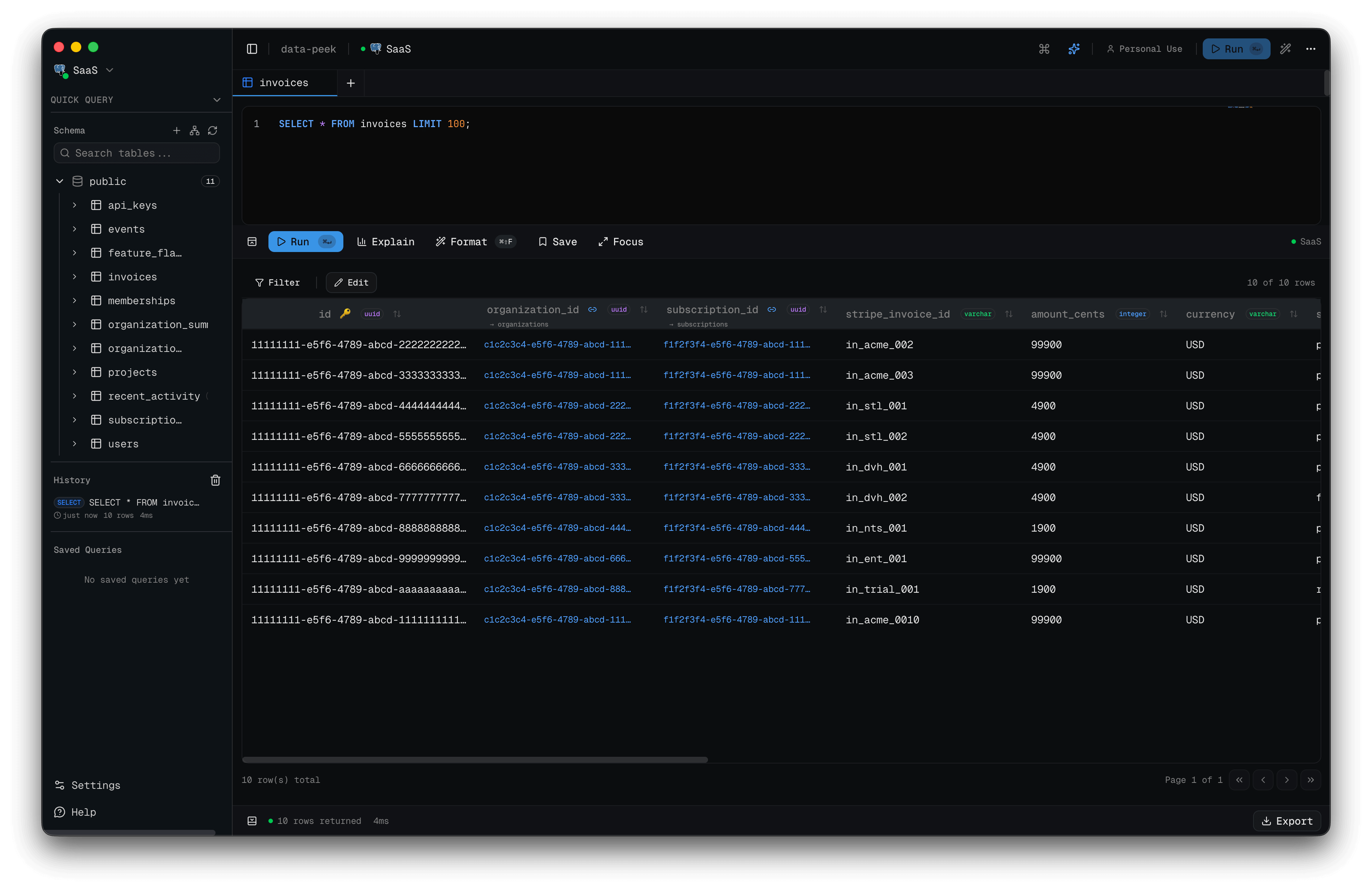
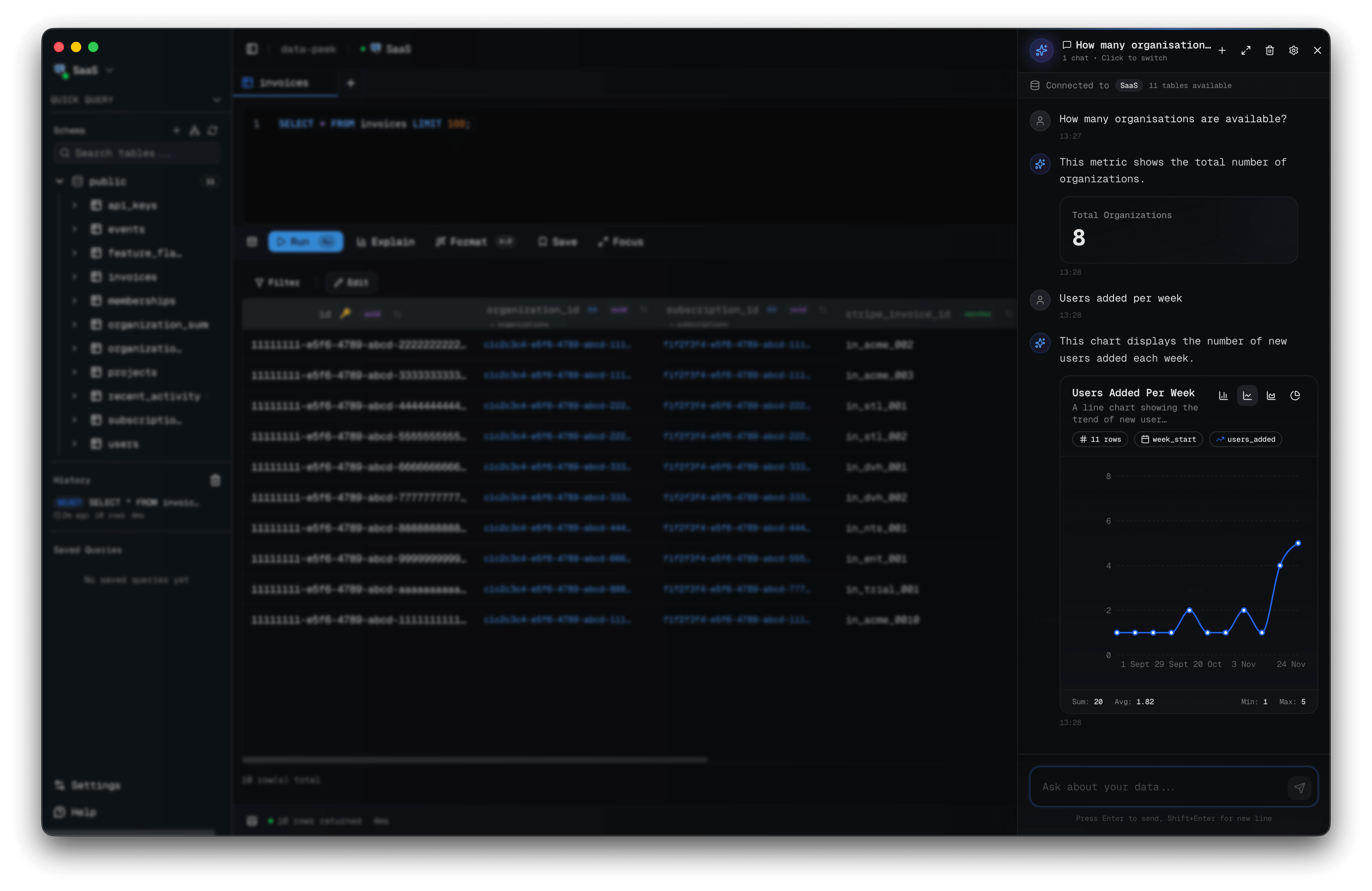
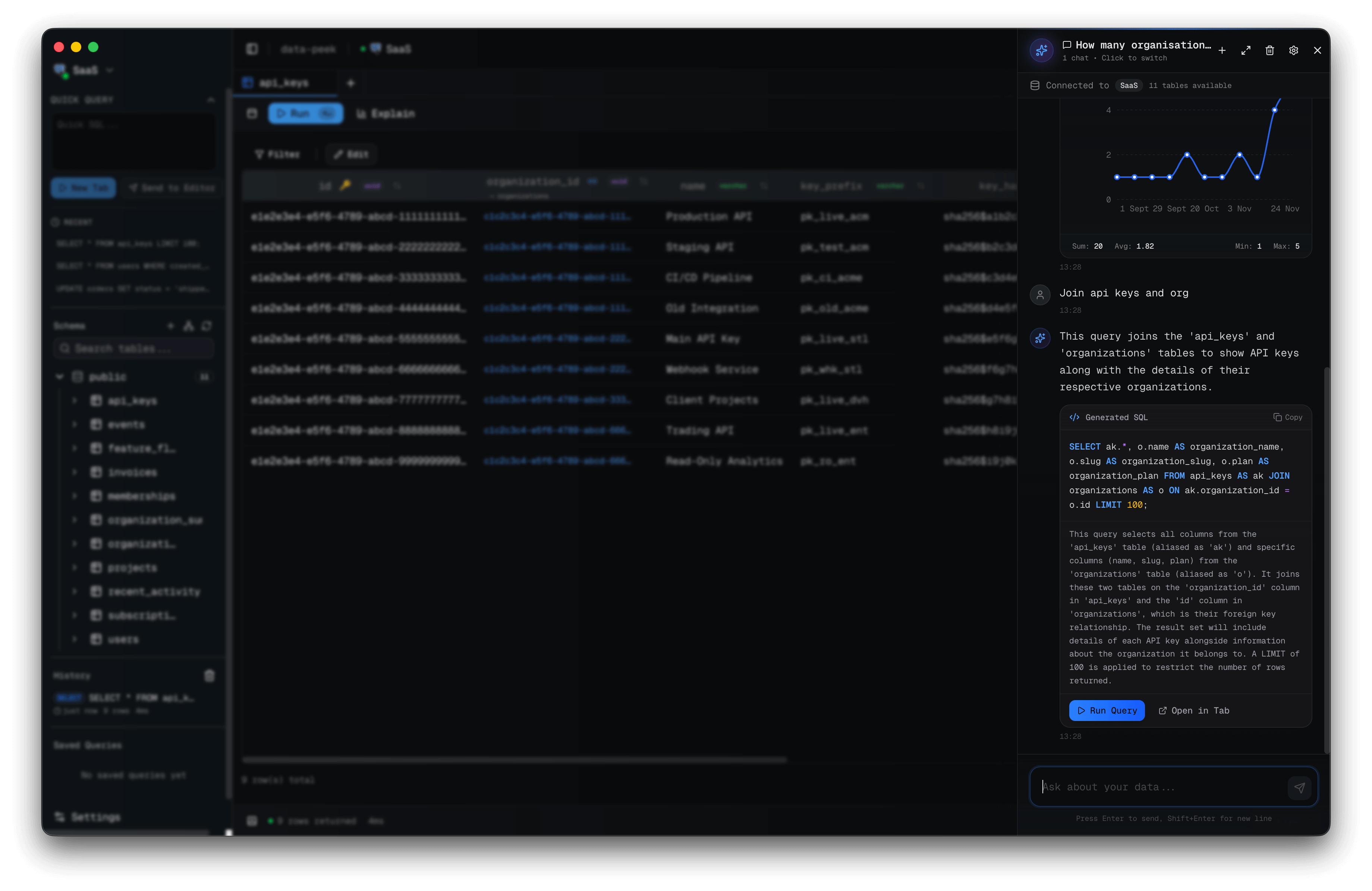
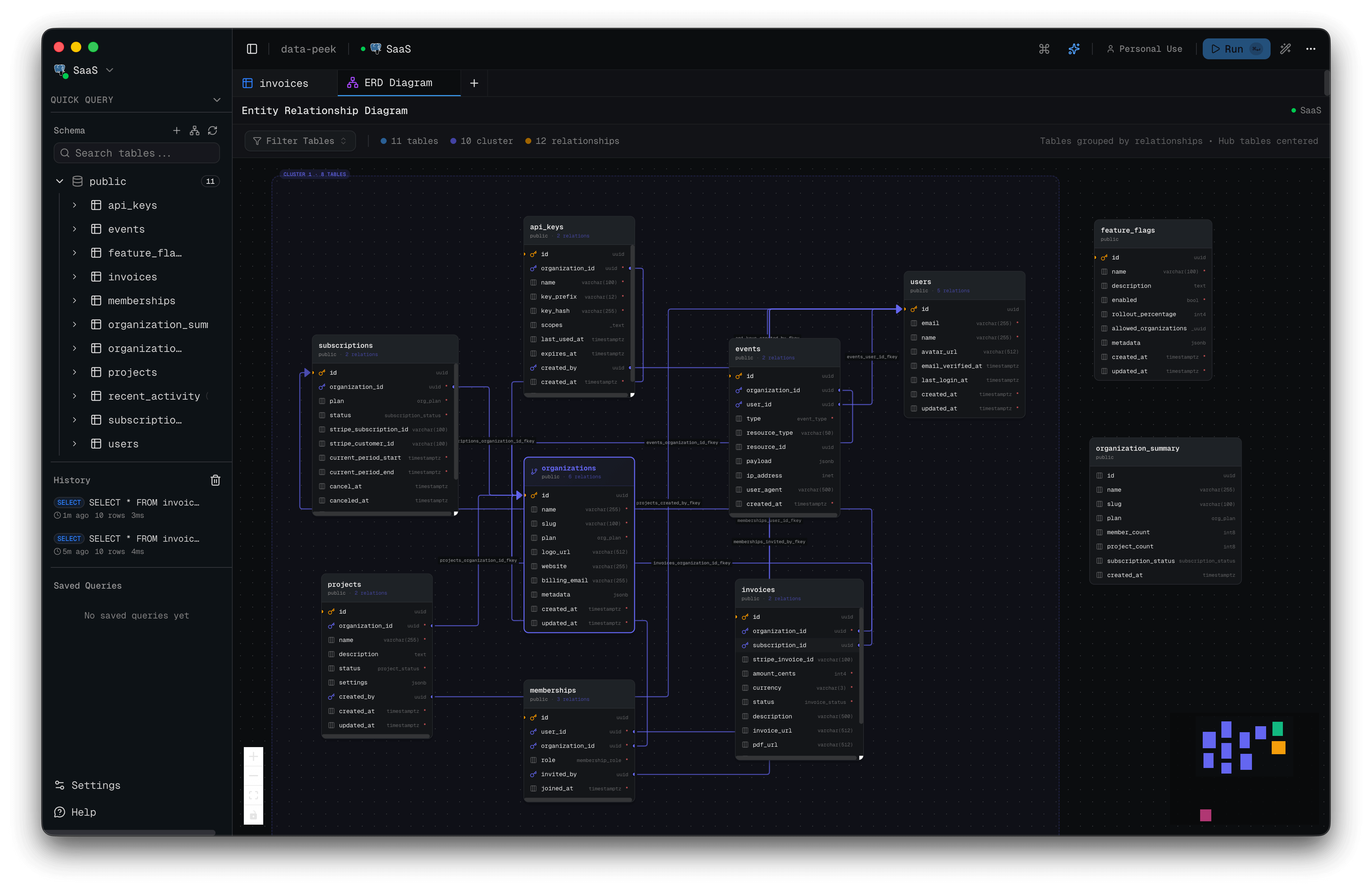
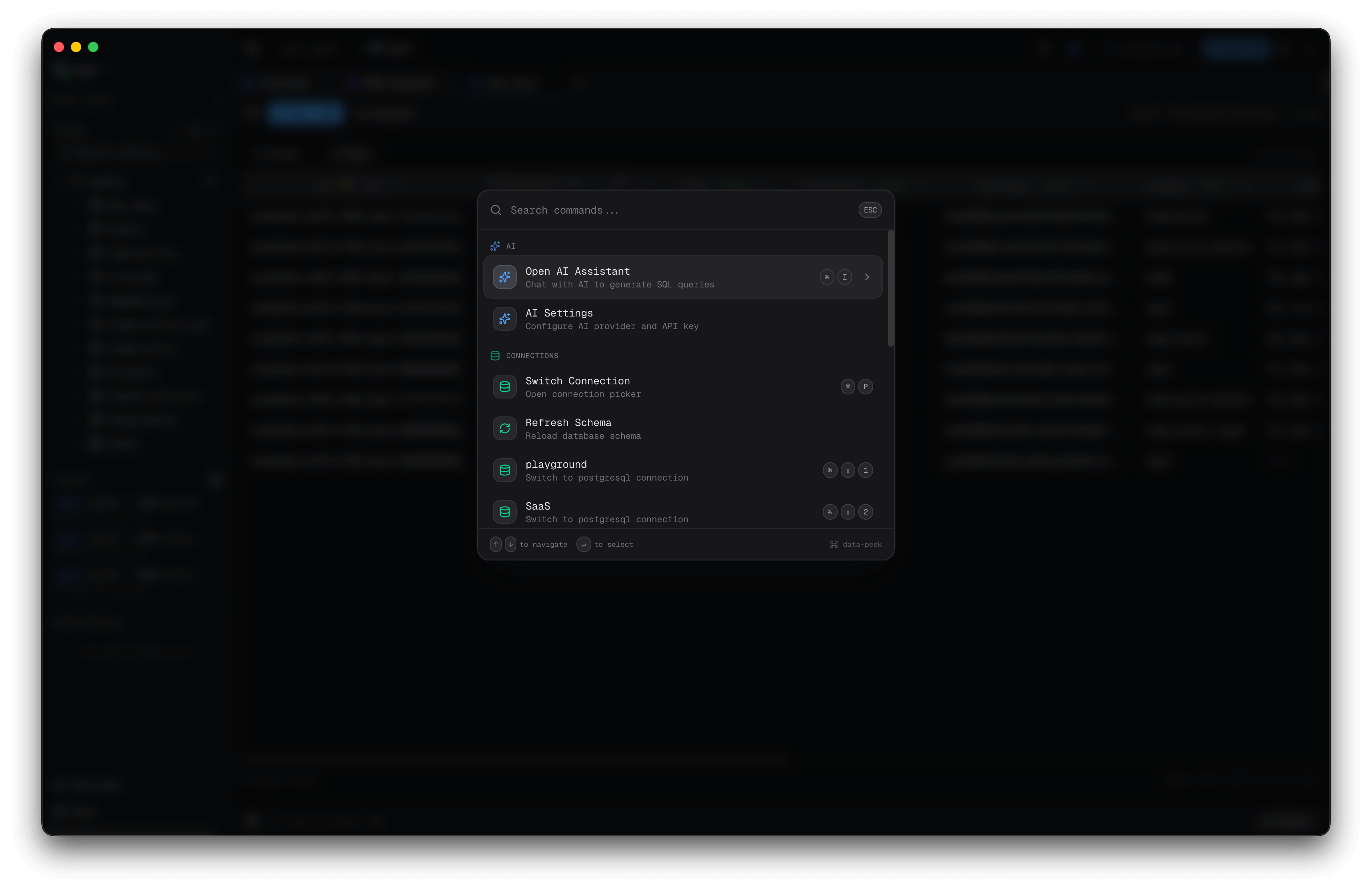
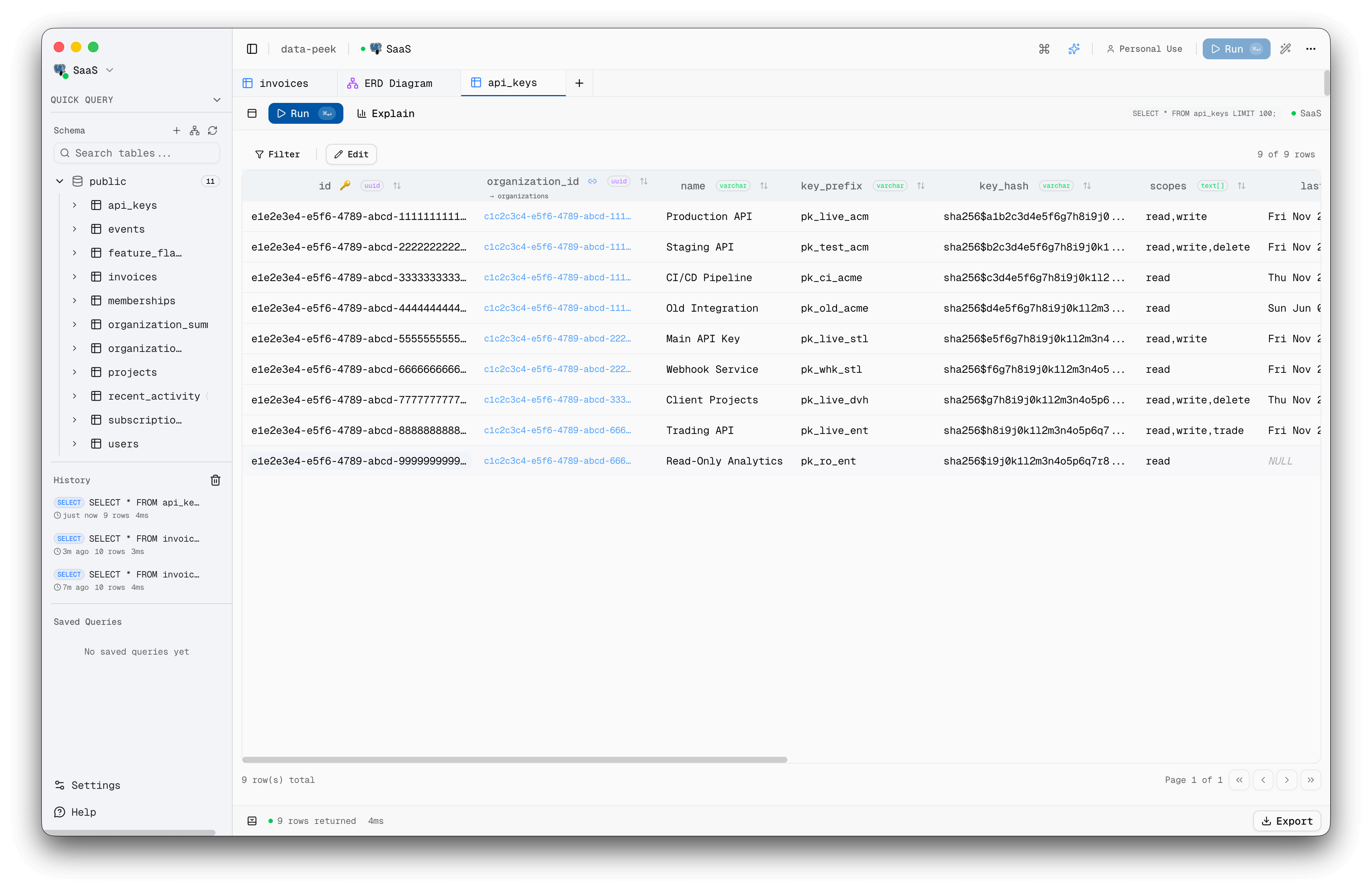
AI Assistant - Generate charts and insightsAI Assistant - Natural language to SQLER Diagrams - Visualize relationshipsCommand Palette - Quick actionsLight Mode
## Features
### Core
- **Fast** - Opens in under 2 seconds, low memory footprint
- **Multi-Database** - PostgreSQL, MySQL, Microsoft SQL Server, SQLite
- **SSH Tunnels** - Connect securely through bastion hosts with password or key auth
- **Secure** - Connection credentials encrypted locally using OS keychain, no telemetry
### AI Assistant
- **Natural Language Queries** - Ask questions in plain English, get SQL
- **Multi-Provider** - OpenAI, Anthropic, Google, Groq, and local Ollama models (BYOK)
- **Charts & Insights** - Generate visualizations and metrics from query results
- **Schema-Aware** - AI understands your database structure for accurate queries
### Query Editor
- **Monaco Editor** - SQL syntax highlighting with smart autocomplete
- **Table Aliases** - Autocomplete understands aliases for complex queries
- **Multi-tab & Multi-window** - Work with multiple queries and databases simultaneously
- **Saved Queries** - Bookmark and organize queries with folders and tags
- **Command Palette** - `Cmd+K` to access everything instantly
### Performance Analysis
- **Query Telemetry** - Detailed timing breakdown with waterfall visualization
- **Benchmark Mode** - Run queries multiple times, get p50/p90/p99 statistics
- **EXPLAIN Viewer** - Analyze query plans with interactive node breakdown
- **Performance Indicator** - Detect missing indexes, N+1 patterns, and slow queries with auto-generated fix suggestions
- **Cancel Queries** - Stop long-running queries mid-execution
### Data Management
- **Schema Explorer** - Browse tables, views, stored procedures, and functions
- **Inline Editing** - Edit table data directly with INSERT/UPDATE/DELETE
- **Table Designer** - Create and alter tables with full DDL support (columns, indexes, constraints, partitions)
- **JSON Editor** - Dedicated editor for JSON/JSONB columns
- **Export** - Export results to CSV, JSON, or Excel
- **CSV Import** - Import CSV files with column mapping, type inference, and conflict handling
- **Data Generator** - Generate realistic fake data with Faker.js, FK-aware, in a dedicated tab
- **Column Statistics** - One-click data profiling per column (min/max/avg, histograms, top values)
- **Data Masking** - Blur sensitive columns for demos and screenshots with auto-mask rules
### Visualization
- **ERD Diagrams** - See table relationships with interactive entity-relationship diagrams
- **Foreign Key Navigation** - Jump to related records with one click
### Database Monitoring
- **Connection Health Monitor** - Dashboard with active queries, table sizes, cache hit ratios, and lock detection
- **PostgreSQL Notifications** - Subscribe to LISTEN/NOTIFY channels with real-time event log
- **Kill Queries** - Terminate long-running or blocking queries from the health dashboard
### User Experience
- **Dark/Light Mode** - Easy on the eyes, follows system preference
- **Keyboard-First** - Power users shouldn't need a mouse
- **Auto-Updates** - Automatic updates with toast notifications
## Installation
### Quick Install
#### macOS and Linux
```bash
curl -fsSL https://install.cat/Rohithgilla12/data-peek | sh
```
The installer detects your platform, downloads the latest GitHub release, and installs:
- **macOS**: the matching `.dmg`, copies `Data Peek.app`, and runs `xattr -cr` automatically
- **Linux**: the latest `x86_64.AppImage` into `~/.local/bin/data-peek`
#### Windows PowerShell
```powershell
irm https://install.cat/Rohithgilla12/data-peek | iex
```
The PowerShell installer downloads the latest `setup.exe` release and runs it for you.
### Alternative Install Methods
#### macOS: Homebrew
```bash
brew install --cask Rohithgilla12/tap/data-peek
```
#### Download
Download the latest release for your platform from [Releases](https://github.com/Rohithgilla12/data-peek/releases).
- **macOS**: `.dmg` (Intel & Apple Silicon)
- **Windows**: `.exe` installer
- **Linux**: `.AppImage`, `.deb`, or `.tar.gz`
### macOS: Code Signing
Starting from v0.4.0, data-peek is code signed and notarized for macOS. You should be able to open it directly without any warnings.
If you install with the quick installer, it already runs the `xattr` cleanup for you.
If you're using an older version or a manual install and see an "App is damaged" warning:
**Option 1: Terminal command**
```bash
xattr -cr "/Applications/Data Peek.app"
```
**Option 2: Right-click to open**
1. Right-click (or Control+click) on `Data Peek.app`
2. Select "Open" from the menu
3. Click "Open" in the dialog
### Linux: Auto-Updates
Auto-updates only work with the **AppImage** format. If you installed via `.deb` or `.tar.gz`, you'll need to manually download new releases from the [Releases page](https://github.com/Rohithgilla12/data-peek/releases).
| Format | Auto-Update |
|--------|-------------|
| AppImage | Yes |
| .deb | No (manual update) |
| .tar.gz | No (manual update) |
For the best experience with automatic updates, we recommend using the AppImage.
### Build from Source
```bash
# Clone the repository
git clone https://github.com/Rohithgilla12/data-peek.git
cd data-peek
# Install dependencies
pnpm install
# Run in development mode
pnpm dev
# Build for your platform
pnpm build:mac # macOS
pnpm build:win # Windows
pnpm build:linux # Linux
```
### Troubleshooting: Electron not found
If you get errors about Electron not being found after `pnpm install`:
```bash
# Option 1: Run the setup script
pnpm setup:electron
# Option 2: Rebuild native modules
pnpm rebuild
# Option 3: Clean install (nuclear option)
pnpm clean:install
```
This can happen when pnpm's cache skips Electron's postinstall script that downloads platform-specific binaries.
## Tech Stack
| Layer | Technology |
|-------|------------|
| Desktop | Electron |
| Frontend | React 19 + TypeScript |
| UI | shadcn/ui + Tailwind CSS |
| State | Zustand |
| Query Editor | Monaco |
| Database | pg (PostgreSQL), mysql2 (MySQL), mssql (SQL Server), better-sqlite3 (SQLite) |
## Project Structure
```
apps/
desktop/ # Electron desktop application
web/ # Marketing website + licensing
packages/
shared/ # Shared types for IPC
```
## Development
```bash
# Install dependencies
pnpm install
# Start desktop app with hot reload
pnpm dev
# Start web app
pnpm dev:web
# Lint all workspaces
pnpm lint
# Build desktop app
pnpm build
```
## Star History
## Sponsors
## License
MIT License - see [LICENSE](LICENSE) for details.
Pre-built binaries require a license for commercial use. See the license file for details on free vs. commercial use.
## Contributing
Contributions are welcome! Please see [CONTRIBUTING.md](CONTRIBUTING.md) for guidelines.
## Support
- [GitHub Issues](https://github.com/Rohithgilla12/data-peek/issues) - Bug reports and feature requests
- [GitHub Sponsors](https://github.com/sponsors/Rohithgilla12) - Support development
- Twitter/X: [@gillarohith](https://x.com/gillarohith)